
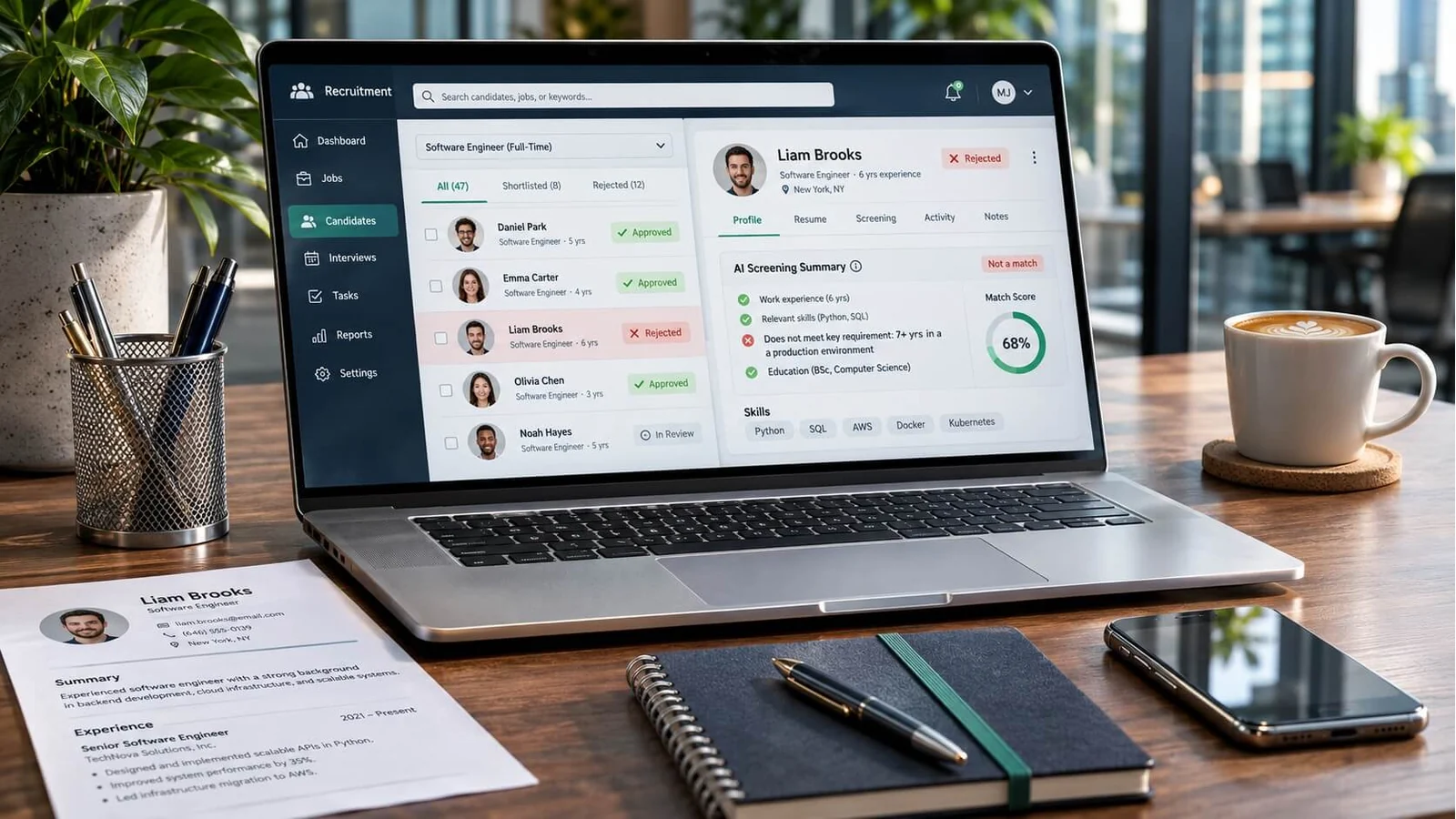
An applicant tracking system helps an employer organise applications and manage recruitment. Depending on the product and its settings, it can extract information from a CV, make applications searchable and help a hiring team compare candidates with a role.
If you do not receive an interview, that alone does not tell you why. Eligibility requirements, competition, changes to the vacancy and a hiring decision can all matter. Treat your CV as something you can improve, without assuming an invisible score explains every unanswered application.
What does an applicant tracking system do?
Recruitment software can support candidate records, application review, interview scheduling and communication. Features vary between products, subscription levels and employer configurations. There is no single process that every applicant passes through.
Three processes are particularly useful to understand:
- Parsing: extracting details from a document into fields such as work history or education.
- Matching and search: helping a recruiter find or compare applications against selected criteria.
- Screening: applying requirements or rules chosen for a vacancy.
These processes can interact, but they are not interchangeable. A document that parses successfully is not necessarily a suitable application, and a parsing problem does not establish that an application was rejected.
Do applicant tracking systems score CVs?
Some recruitment products provide match scores. For example, Greenhouse Talent Matching compares applications against employer-defined criteria and provides match scores. Greenhouse describes this as assistance for reviewers, not a feature that automatically advances or rejects candidates.
It is therefore inaccurate to say that no applicant tracking system produces scores. It is equally misleading to suggest that every employer uses the same scoring model or pass mark.
A score from a separate CV checker is that tool’s assessment. It is not proof of the score, ranking or decision an employer will produce. Use recommendations to identify possible improvements, then check them against the actual advert and your experience.
Can an application be rejected automatically?
Automatic screening rules exist. Greenhouse documents employer-configured rejection rules based on answers to application questions, such as whether an applicant holds a required licence. That is different from a universal rule rejecting CVs for their design.
Read eligibility questions carefully and answer truthfully. A required qualification or work-authorisation condition cannot be solved by adding more keywords. Where an advert is unclear, use the employer’s stated contact route rather than guessing an answer.
What happens when a CV does not parse properly?
Information may be missing, placed in the wrong field or need manual correction. In Greenhouse’s documented workflow, a CV can remain attached when parsing fails, while the candidate details need manual entry. Its guidance also identifies document formatting and file size as possible causes. This is a product-specific example, not a description of every employer’s workflow.
If an application form fills itself from your upload, review every populated field before submitting. Check dates, job titles, employers, qualifications and contact details. Do not assume the upload has reproduced your CV perfectly.
Before submitting, correct any editable fields that imported incorrectly. If your file is rejected, check the advertised format and size limit, export a clean text-based version and try the stated upload route again. If the problem remains, use the employer’s technical-support contact. Do not submit multiple applications merely to test different formats.
Six practical checks before applying
- Follow the advert’s file instructions. Use the requested format and size limit. Do not assume a PDF or Word file is accepted everywhere.
- Use a clear structure. Familiar headings such as Work Experience, Education and Skills help readers find information. Keep dates and formatting consistent.
- Keep essential information in text. Do not make a chart, icon or image the only place where you explain a qualification or achievement. Copy text from your exported document into a plain-text editor and inspect the reading order. This can reveal extraction problems; it does not guarantee how every employer’s system will handle the file.
- Describe relevant experience accurately. Use terminology from the advert when it genuinely describes your work. Explain abbreviations where helpful, such as Master of Business Administration (MBA).
- Give evidence. A short example of a project, responsibility or result is more useful to a reader than a long list of unsupported attributes. Include figures only when you can substantiate them.
- Review the finished application. Read the CV, check the uploaded preview and inspect any autofilled fields. Keep a copy of what you submitted and the vacancy reference.
What to avoid
Do not hide keywords in white text, paste an advert into your CV or claim experience you do not have. These tactics reduce trust and do not demonstrate that you can do the work. Repeating a phrase excessively also makes the CV harder for a person to read.
There is no formatting trick that guarantees an interview. Aim for an application that is accurate, relevant and straightforward to understand.
Improve your CV before the next application
Start with the role you want and the evidence you can offer. If you need a structured way to rebuild your document, explore Smart CV. Review every generated sentence, confirm the facts and choose the version that fits the vacancy before applying.
For more practical guidance, browse Smart CV Guides. A clearer CV can help you present your experience; the employer still decides whom to interview.