Virtual interviews are here to stay. Whether it’s a first-round screening or a final discussion with a CEO, knowing how to prepare for an online interview can make or break your chances of landing the job.
What began as a pandemic-era adjustment has become a standard part of the hiring process. Today, employers use video interviews not just for safety or convenience but because they reveal a candidate’s communication skills, adaptability, and professionalism in a digital setting.
Even though you’re sitting at home, an online interview is every bit as formal as an in-person one. And while the commute may be gone, preparation still matters in fact, it matters even more.
This guide walks you through everything you need to know about preparing for an online interview from technology setup to body language and interview etiquette.
1. Test Your Tech and Tools in Advance
Before the interview, find out exactly which platform you’ll be using Zoom, Microsoft Teams, Google Meet, or another video conferencing app. Download the latest version, set up your profile, and test your camera, microphone, and internet connection at least a day in advance.
A strong part of learning how to prepare for an online interview is ensuring there are no surprises.
-
Check your internet speed (aim for at least 10 Mbps).
-
Do a trial run with a friend to test lighting, sound, and framing.
-
Keep your device fully charged and if possible, plug it in during the call.
-
Always have a backup plan, like data on your phone or a hotspot, in case of load-shedding or Wi-Fi issues.
Pro Tip: Close all unnecessary browser tabs and apps to avoid lag or unexpected notifications during your interview.
2. Create a Professional Setup
Your environment speaks volumes about your professionalism. One of the most overlooked parts when preparing for an online interview is curating your interview space.
✅ Choose a quiet, well-lit spot with a neutral background.
✅ Avoid clutter, personal posters, or laundry in the frame.
✅ Sit at eye level with your camera to maintain natural eye contact.
✅ Keep a glass of water nearby but skip snacks and distractions.
Lighting makes a big difference. Face a window for natural light or use a soft ring light to ensure you’re clearly visible.
Avoid: Virtual backgrounds with movement or busy patterns they often glitch and distract the interviewer.
3. Dress for the Job You Want
Just because you’re home doesn’t mean you can dress casually. Dressing professionally not only makes a good impression, it also puts you in the right mindset.
When thinking about your upcoming online interview, treat your attire the same way you would for an in-person one.
-
Opt for solid, neutral colours (avoid pure white or busy patterns).
-
Sit-test your outfit on camera to check how it appears.
-
And yes wear full professional attire (top and bottom). You never know when you might need to stand up!
Your outfit sends a message of confidence and credibility.
4. Know the Platform’s Features
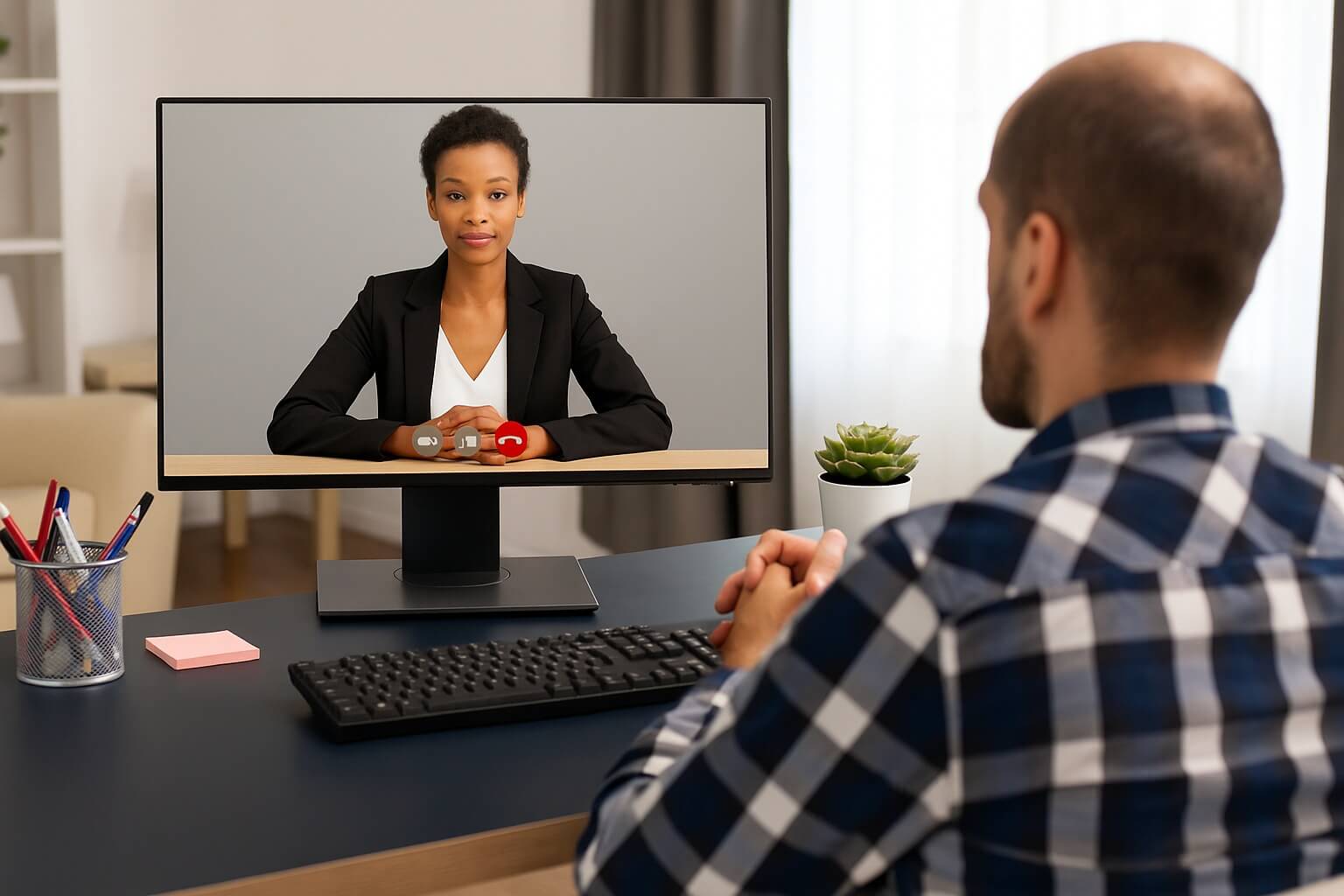
Every video platform has slightly different tools and shortcuts. Understanding these helps you appear prepared and tech-savvy.
As part of learning how to prepare for an online interview, familiarize yourself with:
-
Mute/unmute shortcuts
-
Screen sharing options (if you’ll be presenting)
-
Virtual background and camera toggle buttons
-
Chat and reaction icons (for remote panel interviews)
If you’re asked to give a presentation, practice screen-sharing in advance. Technical delays can easily break the flow of an otherwise great interview.
5. Master Digital Interview Etiquette
Interview etiquette still applies but now it’s digital. Your tone, posture, and timing all play a huge role.
Key etiquette reminders:
✅ Log in 10–15 minutes early.
✅ Sit upright and maintain open, relaxed posture.
✅ Look into the camera when speaking not at your own reflection.
✅ Smile naturally and nod occasionally to show engagement.
✅ Keep your phone silent and out of sight.
Knowing how to prepare for an online interview also means mastering body language. Avoid crossing your arms, fidgeting, or looking around the room. Eye contact (via camera) conveys confidence and attentiveness.
6. Prepare Your Answers and Questions
The digital format doesn’t change what matters most your content. Research the company, review the job description, and prepare thoughtful responses.
When conducting online interview preparation, practice concise, story-based answers that demonstrate your value. Use the STAR Method (Situation, Task, Action, Result) for behavioural questions.
Also, prepare smart questions for your interviewer:
-
“What are the company’s top priorities for this role in the next six months?”
-
“How would you describe the company culture in a hybrid environment?”
Being prepared with questions shows curiosity and initiative.
7. Avoid Common Mistakes
Even the most qualified candidates can lose opportunities by overlooking simple details.
When figuring out how to prepare for an online interview, avoid these red flags:
🚫 Logging in late or ghosting without notice
🚫 Eating or multitasking during the call
🚫 Poor posture or visible disinterest
🚫 Casual language (“Hey,” “No worries,” etc.)
🚫 Unprofessional usernames or profile photos
Pro Tip: Rename yourself in the video platform before the interview to display your full name e.g., Samantha Smith | Candidate.
8. Manage Nerves and Build Confidence
Feeling nervous before an interview is normal even more so when it’s virtual. You may not have physical cues or energy from the room to work with.
A big part of knowing preparing for an online interview is managing your mindset.
-
Take deep breaths before you start.
-
Maintain steady pacing in your speech.
-
Smile it naturally calms your nerves and conveys warmth.
-
Avoid alcohol or stimulants; instead, do short breathing exercises.
Bonus Tip: Record yourself practicing. Watching your body language on camera can help you correct habits before the big day.
9. Follow Up Professionally
The interview doesn’t end when you click “Leave Meeting.” Following up thoughtfully reinforces your interest.
After your online interview, your final step is simple send a thank-you email within 24 hours.
Thank them for their time, reiterate your enthusiasm, and briefly mention one highlight from the discussion.
Example:
“Thank you for the opportunity to discuss the [Role Name] position today. I really enjoyed learning more about [specific topic]. I’m excited about the chance to contribute my skills in [relevant area] to your team.”
This small gesture sets you apart in a digital-first hiring landscape.
Final Thoughts
Knowing how to prepare for an online interview is an essential skill in today’s world of hybrid and remote work. Your ability to show professionalism, adapt to technology, and communicate clearly over video says a lot about how you’ll perform on the job.
Preparation, poise, and presence these are your new interview essentials. So test your tech, polish your space, and show up like you’re already part of the team.
You’ve earned the invitation. Now, earn the offer.
Download our Free Interview Preparation Guide: Interview Prep Guide