
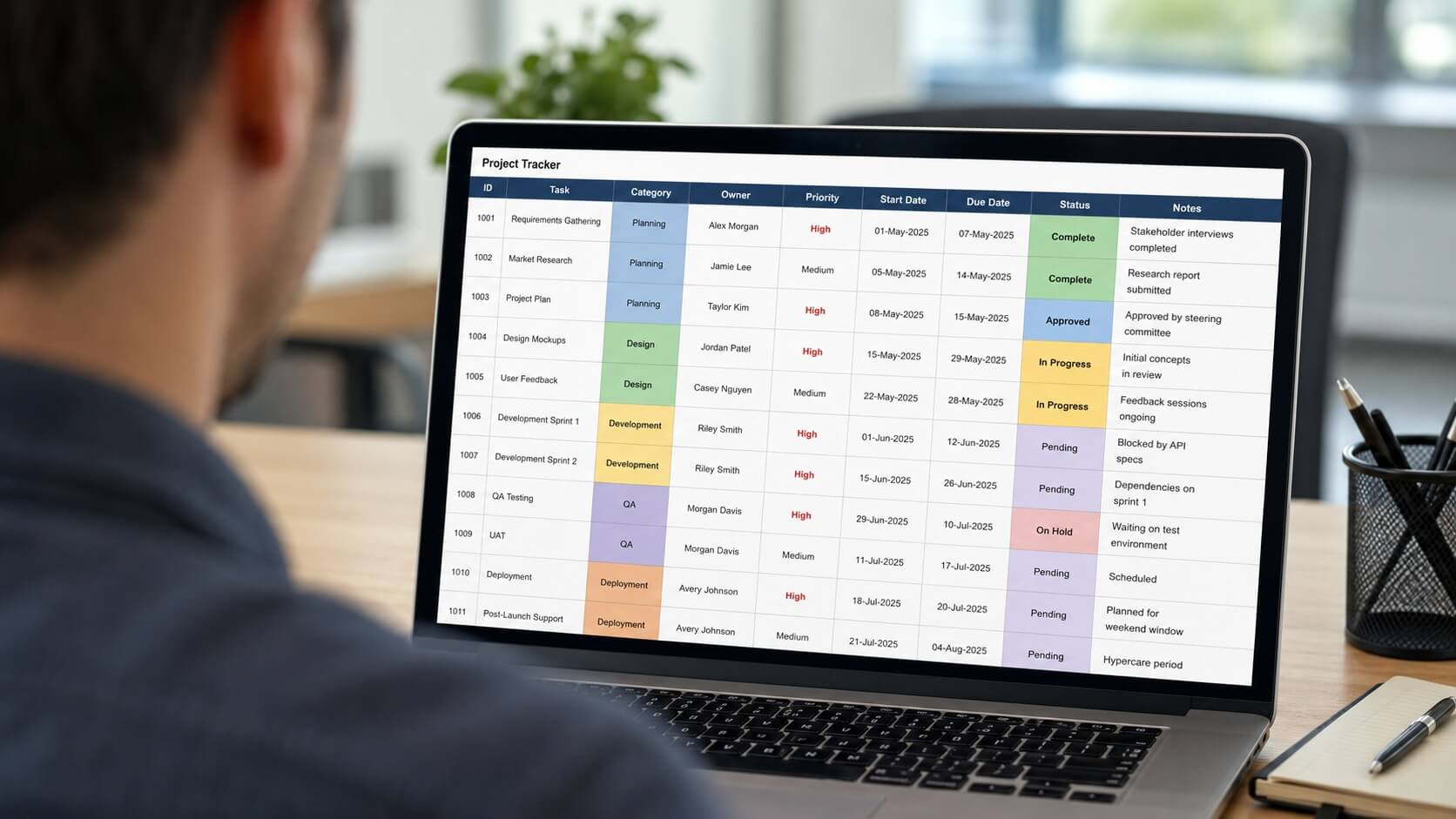
A job application tracker is the single most underrated tool in a modern job hunt. When you are applying for a dozen roles at once, tailoring each CV and chasing responses, it is dangerously easy to lose track of who you contacted, when, and what you promised to send. A simple tracking system fixes that in minutes.
Without one, applications slip through the cracks. You forget to follow up, you apply to the same company twice, or a recruiter calls about a role you can no longer remember. This guide walks through seven practical steps to build a tracker that keeps your search organised and moving.
What this guide covers
Why a job application tracker changes your search
Job hunting is a numbers game, but it is also a memory game. The more roles you pursue, the harder it becomes to recall the detail that matters: the salary range, the hiring manager’s name, the exact version of your CV you sent.
A tracker turns that chaos into a clear picture. You can see at a glance which applications are live, which need a nudge, and which have gone cold. That overview lowers stress and helps you spend your energy where it counts. It pairs well with tapping the hidden job market, where roles are filled through contacts rather than public adverts and follow-up is everything.
What to include in your job application tracker
The best tracker holds enough detail to be useful without becoming a chore to maintain. A handful of well-chosen columns will cover almost any search.
Record the company name, the role title, the date you applied, and the application status. Add the salary or range, a link to the job advert, the contact person, and a notes field for interview dates or follow-up reminders. One more column for which CV version you sent is invaluable when you tailor each one.
Choosing between a spreadsheet and an app
A spreadsheet in Excel or Google Sheets is the simplest starting point, and for most people it is all they need. It is free, flexible, sortable, and works offline. You can colour-code the status column so live opportunities stand out instantly.
Dedicated apps and browser extensions can log roles automatically from job boards, which saves time at high volume. They are worth exploring if you are applying to many roles a week, though a tidy spreadsheet still beats a fancy app you never open.
Setting the tracker up in seven steps
Building your first tracker takes about fifteen minutes. Work through these steps and you will have a system you can rely on for the rest of your search.
First, open a new spreadsheet and add the columns above. Second, create a drop-down list for the status column to keep entries consistent. Third, log every role the moment you apply, while the detail is fresh. Fourth, add the deadline or a follow-up date for each one.
Fifth, sort or filter by status so live applications sit at the top. Sixth, review the whole sheet once a week and act on anything waiting. Seventh, archive rejected or closed roles to a second tab so your active list stays clean. That is your job application tracker built and running.
Using it to follow up at the right moment
The real payoff of a tracker is timing. A polite follow-up seven to ten working days after applying, or a day or two after a promised decision date, keeps you visible without being pushy.
Use the next-action column to schedule these nudges so none are missed. The National Careers Service, part of the UK government, offers free advice on job applications and follow-up etiquette if you want to refine your approach. Before each interview, your tracker also becomes a quick briefing sheet of everything you know about the role.
Tracking mistakes that cost you interviews
The most common mistake is starting a tracker and then abandoning it after a week. A half-updated sheet is worse than none, because you trust information that is out of date. Set a fixed weekly slot to keep it current.
Other slips include forgetting to note which CV you sent, so you cannot prepare for the interview, and logging roles so briefly that the entry is meaningless a fortnight later. If your applications keep stalling, combine your tracker with the fixes in our guide on why your CV is not getting interviews, and run each submission through a final CV checklist before you hit send.
Treat your job application tracker as the control centre of your search. Keep it current, act on it weekly, and you will apply with more focus, follow up on time, and never lose a promising lead again.
Spend less time formatting, more time applying
Our Smart CV Builder helps you tailor a polished, ATS-ready CV for every role on your tracker in minutes, so each application is your strongest yet.